Human Ideas, AI Efficiency: Building Part Manager Pro
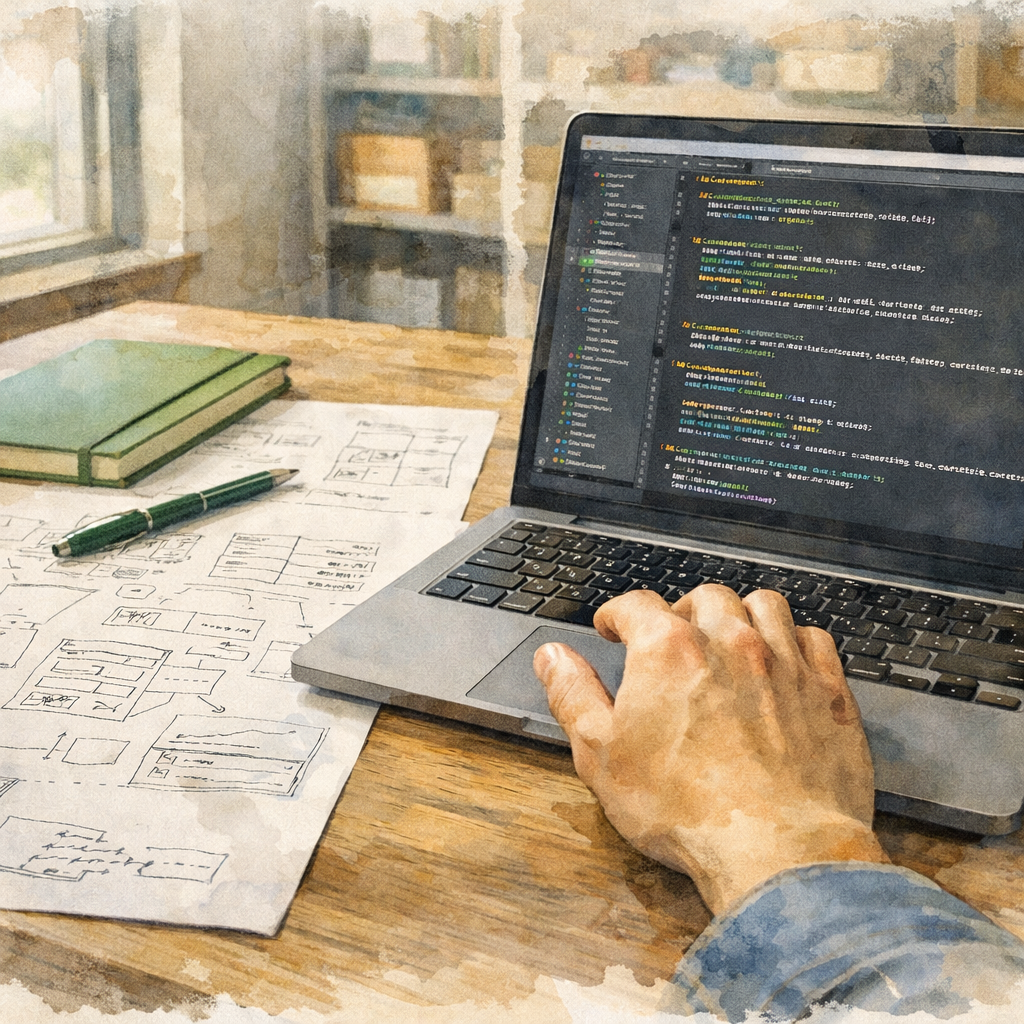

You hear a lot about AI right now. Most of it sounds like someone trying to sell you something. So here’s the straight version of what AI does in our shop — how we use it, where the line is, and why the person behind the keyboard still matters more than the tool on the screen.
Guidance, Not Reliance
People write Part Manager Pro. AI helps them write it faster.
We use AI the way a good mechanic uses a diagnostic scanner. The scanner points to where the problem might be. The tech decides what to do about it. A rookie with a scanner alone will replace parts that didn’t need replacing. A seasoned tech with a scanner gets the right answer in half the time.
That’s how AI fits into our development process. It suggests. It drafts. It flags things a tired human might miss. Every decision — every line of code that ships — passes through a person who understands the system, the customer, and the consequences of getting it wrong.
The keys stay with the humans. The moment you let the machine think for you, you stop understanding your own product. And if you don’t understand your own product, you can’t stand behind it.
Error Reduction at Scale
Here’s where AI earns its keep: catching mistakes across a large codebase.
Part Manager Pro has hundreds of files, dozens of services, and rules that span the whole system — things like “every database operation must be scoped to the right account” and “every inventory change must be recorded in the ledger.” A human reviewing code can hold a handful of those rules in their head at once before fatigue sets in. AI checks all of them, every time, and stays sharp at 2 AM.
The obvious mistakes — the ones that slip through after six hours of staring at the same screen — get flagged before they reach a customer. Typos in field names. Missing safety checks. A function that quietly skips the audit trail. These are the errors that cost real time and real money in production. AI helps us catch them earlier.
The result: fewer bugs, fewer “how did that get through” moments, and more confidence that what we ship works the way we say it does.
Seeing the Whole System at Once
A parts operation has a lot of moving pieces. Orders come in from eBay. Inventory counts update. Reservations get created. Quantities push back out to the marketplace. Labels print. Audit records get written. Every step connects to the others, and a broken link shows up everywhere downstream.
When we build a new feature or chase a problem, AI helps us trace those connections. Instead of manually reading dozens of files to understand how an order flows from import to fulfillment, we ask the tool to map it and identify where a change in one place might affect something three steps later.
The developer still owns the understanding. AI just gives them a wider lens — more of the picture at once, fewer surprises, more efficient solutions.
See how the pieces connect → Walk through the full inventory system on the product overview
Accuracy Where It Counts
In inventory management, accuracy is the whole point. If your counts are wrong, your orders are wrong. If your orders are wrong, your customers are unhappy. If your customers are unhappy, your reviews drop, your marketplace ranking drops, and your revenue drops. Straight line.
We use AI to help verify that our logic holds — that when we say “this item has 3 units available,” that number reflects every order, every reservation, every adjustment, and every transfer in the system. The tool helps us write tests for edge cases a human might miss: What happens when two orders come in for the same part at the same millisecond? What happens when a cancellation arrives after the item has already been picked? What happens when a CSV import contains a SKU that exists but with different capitalization?
These scenarios separate software that mostly works from software you can trust. AI helps us find and test them faster than we could on our own. The full record of how every count got to where it is lives in the ledger and audit trail — same accountability, regardless of which tool helped write the test.
Refining Ideas Into Working Solutions
Every feature in Part Manager Pro starts as a human idea. Someone on the team says, “Parts businesses need a way to see which parts have not moved in 90 days” or “We need to prevent overselling when the same part is listed on eBay and Shopify.” The idea comes from experience — from understanding what these businesses actually deal with every day.
AI helps us take that idea and refine it into a working solution faster. It drafts an initial approach, we poke holes in it, and we iterate — back and forth — until the implementation matches what the feature actually needs to do. Like a whiteboard partner who never gets tired of redrawing the diagram.
But here is what matters: the idea still comes from the person. AI can read about how parts businesses run. What it cannot do is decide which of those problems is worth solving next, what trade-offs to accept along the way, or which features will actually change your day. That judgment — built on years of operator experience — is what shapes the product. AI just helps us get from “here is what we need” to “here is how it works” a little faster.
Where the Line Is
Being honest about this matters, so here’s the short list of how we hold the line:
- Humans make every product call. What to build, who to build it for, what trade-offs to accept — those are calls a person makes after listening to operators on the floor.
- Every feature gets tested by people. Automated tests, manual verification, real-world validation. AI helps draft some of those tests; the testing process belongs to the team.
- AI in development never touches your data. The AI tools we use to build Part Manager Pro have no access to your inventory, your orders, or your account information. Development AI sees code and documentation, not customer data.
- A person reviews every change before it ships. Every commit, every release, reviewed by a human who understands what it does and why it changed.
How AI Works Inside Part Manager Pro
When AI does show up inside the product itself — answering questions, helping with onboarding, suggesting fixes — it operates under rules we set, not the other way around.
Read-only by default. Any AI assistant inside Part Manager Pro can read what it needs to answer your question. It cannot modify your inventory, edit your orders, or change your settings on its own. If a fix needs to happen, the AI shows you what it would do, and you decide whether to do it.
No direct modification of your data. Even when an AI assistant identifies a problem — a SKU mismatch, a stuck sync, a missing mapping — it does not reach into your records and change them. It points, it explains, it suggests. The actual click belongs to you.
Localized and on-demand. AI inside the product runs when you ask it to, on the specific question you are asking. It is not watching everything you do. It is not holding a permanent line into your account. When you close the help window, the assistant goes quiet. No background processing, no constant analysis, no data leaving the boundaries it needs to do its job.
Bounded knowledge. The AI assistant only knows what we have explicitly given it: how Part Manager Pro works, what the buttons do, what common issues look like, and how to point you at the right answer. It does not have access to the source code, your competitors’ data, or anything outside the documentation we have curated for it. If it does not know, it tells you, and points you to a real person.
Human handoff is always available. Any time AI gives you an answer that does not fit your situation, escalation to a human is one click away. The AI handles the questions where the documentation already has a clear answer. Anything else comes straight to us.
This is the pattern: AI helps you find answers and suggests actions. You stay in control of your account, your data, and every change that happens to it.
The Bottom Line
AI is a tool. A good one, used the right way. It helps a small team move faster, catch more mistakes, and ship more reliable software than we could without it. The experience, judgment, and industry knowledge that make Part Manager Pro what it is still come from people.
We use AI because it makes the product better for the parts businesses that depend on it — and you deserve to know exactly how.
If you’re evaluating software and wondering what’s actually happening behind the screen, the honest answer is: a small team, a good tool, and a human in the loop on every change. We’d rather show you than tell you.
→ See how the full system works: Product Overview
→ Want a closer look at how PMP records every change? How the Audit Trail Works
→ Have a question about how this would work for your business? Let’s talk
Written by the PMP team — built by people who’ve run inventory operations, not just read about them.