Warehouse Organization, One Shelf at a Time
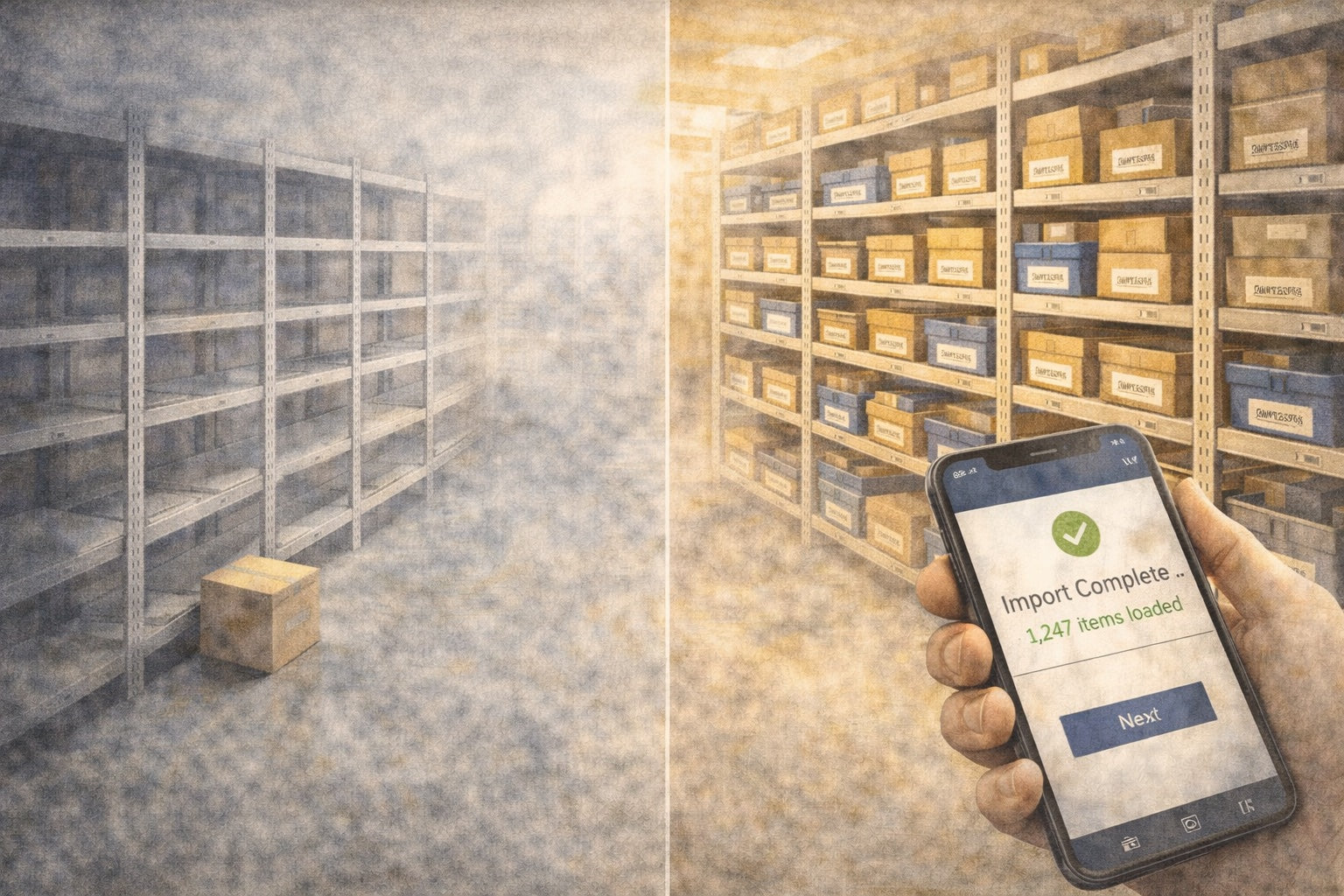

You do not need to organize your entire warehouse before Part Manager Pro is useful. You need one shelf. Label it, count what is on it, and scan it in. That shelf is now tracked — accurate, searchable, and permanent. Tomorrow you do another one. The operation keeps running the whole time.
Most inventory systems do not work that way. They want everything mapped, counted, and imported before they give you anything back. PMP works the opposite way — it gives you something useful the moment you start, and it gets more useful with every shelf you add.
Why Most Inventory Setups Stall
Most inventory software only works after every SKU is cleaned up, every location is mapped, and every count is reconciled. So setup turns into a project that competes with daily operations — and daily operations always win.
Here is what that friction looks like:
- Setup becomes another job. Instead of reducing your workload, the new system adds to it. You are managing your operation and configuring software at the same time, so neither gets your full attention.
- Partial setup feels pointless. You imported items but have not set up locations yet. Nothing is complete enough to be useful, so the system sits there unused.
- Bad imports create hesitation. A CSV had mismatched SKUs or wrong counts. Now you do not trust what the system shows, which means you check the shelf anyway — and the system has added work instead of removing it.
- The team stops using it. If the software slows people down during actual work, they go back to the spreadsheet. Not because they are resistant to change — because the system was not ready to help them yet.
Every one of these friction points comes from the same assumption: everything must be in place before anything is useful.
How PMP Removes That Friction
PMP does not require you to finish everything before you can begin using it. Each step removes a specific operational pain on its own.
Your marketplace data is the cleanest thing you have. Connect eBay or Shopify and let PMP pull in your active listings. SKUs, quantities, and listing status appear inside PMP immediately, so you stop logging into eBay to cross-check what is live. Orders start syncing on their own, which means you are no longer re-entering order details into a spreadsheet.
Your item catalog is more ready than your warehouse layout. Import items through a CSV with a preview step — you see exactly what will be created, what will be updated, and what has errors before anything touches your data. That removes the blind-import risk that makes people hesitate.
Your warehouse is not fully mapped yet. Start with a single location — a starter bin, a staging area, whatever makes sense for how you work today. Import your inventory there. As time allows, organize shelves, print labels, and transfer parts out to their real locations. Nothing is wasted — every count and every transfer is recorded in the ledger, so the work you do today carries forward as your layout takes shape over time.
You only have time to count one shelf. Count one shelf. That count goes into the ledger permanently, which means that shelf is no longer a guess. Tomorrow you count another. The picture fills in at your pace, not on a deadline.
The only hard rule in PMP is that every item needs a SKU. That is the one thing the system requires up front. But PMP includes tools to make that straightforward — bulk SKU generation, consistent formatting, and normalization built into every import path — so even if your parts do not have SKUs yet, the process of creating them is structured and repeatable.
Beyond that, none of these steps depend on each other. PMP connects the pieces as the data arrives.
What Changes First
The immediate relief is not “now I have a fully managed inventory system.” It is smaller and more practical:
- Fewer unknowns. You connected eBay — now you can see which SKUs are live and what quantities eBay shows. That used to require logging into eBay and checking manually. Now it does not.
- Less duplicate effort. Orders sync automatically, so you are not copying order details from one place to another.
- Less reliance on memory. You scanned 40 parts into locations. Those 40 parts now have a recorded location, which means the next time someone asks “where is this?” there is an answer that does not depend on who is working that day.
- Clearer location truth. One labeled shelf with accurate counts is better than a full warehouse where nothing is tracked. Any structure is better than none, and every location you add builds on the last.
- Faster answers. “Do we have this in stock?” goes from a walk to the shelf to a search in PMP. That time savings is real from the first item you add.
Each of these works the moment the data is there. None of them require the full system to be configured first.
You Do Not Need a Perfect Starting Point
Connect eBay, and PMP knows your listings. Import items, and PMP can cross-reference them against those listings. Add locations, and PMP can tell you where things are. Count a shelf, and that shelf is no longer a guess.
The ledger records every movement permanently. The mirror keeps your marketplace data current. The automation engine handles the repetitive syncs. Each piece of data you add makes the next step easier and the daily work a little faster.
You start where you are, with what you have. The system builds from there.
Want to see how PMP fits your operation? Walk through the product overview →
→ See how the full inventory system fits together: Product Overview
→ Have a question about getting started? Let’s talk
Written by the PMP team — built by people who’ve run inventory operations, not just read about them.