How to Sync New eBay Listings into Part Manager Pro
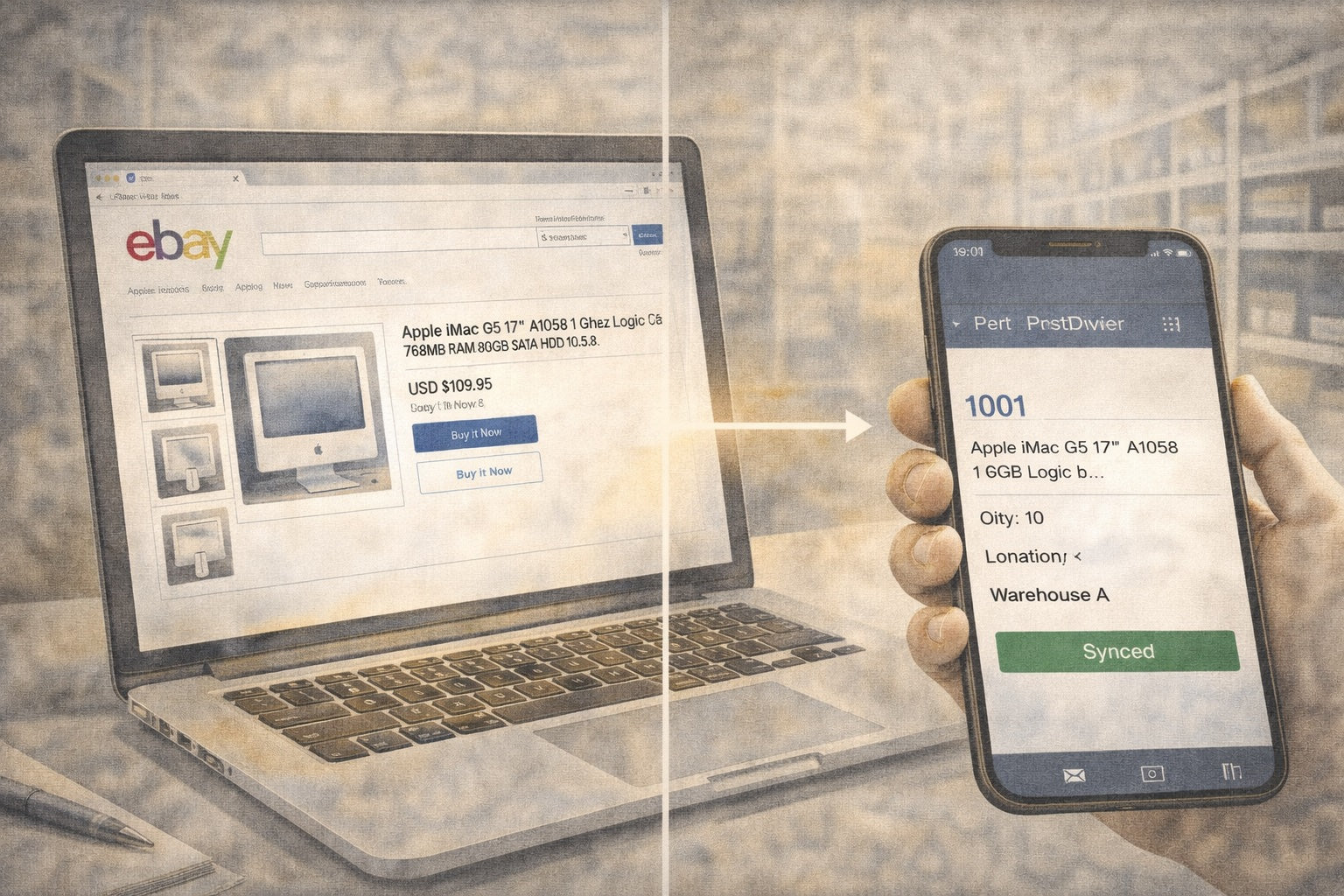

You just listed a batch of new parts on eBay and you want them in your inventory software right now — not on the next scheduled sync. Maybe you relisted items that had ended, or you changed SKUs and need the new ones reflected immediately. Either way, you want to keep working.
The Import New Listings button in Part Manager Pro is built for exactly this moment. PMP already discovers new listings on its own schedule, so most days you’ll never need this button. It’s there for the days when the schedule isn’t fast enough for what you need to do next.
This walkthrough explains how to sync new eBay listings to PMP on demand, where the button lives, what runs behind the scenes, and the safeguards that keep your eBay API usage healthy.
How PMP Keeps Your eBay Listings in Sync
PMP keeps a mirror of your eBay listings — a read-only copy of what’s currently on eBay. This mirror is how PMP knows which SKUs are live, what quantities eBay shows, and which listings receive quantity updates.
The automation engine manages this mirror for you. It runs on a regular schedule, pulling in new listings, updating existing ones, and marking ended ones as inactive. Day-to-day changes — quantities adjusting after a sale, prices updating, listings ending — all flow through automatically.
New listings you create on eBay are no different. PMP discovers them on the next scheduled full sync and pulls in all their details — SKU, price, quantity, category, everything. Nothing on your end is required for this to happen.
The catch is timing. If you just created five new listings and you want to push quantities to them right now, you don’t want to wait for the next automation cycle. That’s when the Import button earns its keep.
When to Use the Import New Listings Button
The button is there for moments when you know the schedule isn’t fast enough for what you need to do next:
- You just created new listings on eBay and want to push quantities immediately. The automation will discover them on its own, but if you need to work with them now — match SKUs, push inventory — the Import button pulls them in so you can keep going.
- You relisted items that had ended and need them active in PMP right away. PMP will pick up the relisted items on schedule, but importing lets you get ahead of it.
- You changed SKUs on existing listings and don’t want to wait for the update. PMP tracks changes automatically through its delta sync, but importing pulls the latest state immediately. (For a deeper look at how SKUs are normalized and matched between eBay and your PMP catalog, see SKU Strategy in Part Manager Pro.)
In all three cases, the automation would handle it eventually. The Import button puts you in control of the timing.
Where to Find the Import Button in PMP
The Import New Listings button appears in three places:
- Marketplace Hub — The hub page at the top level of the marketplace section. A dedicated “Import New Listings” card lets you select a connection and import. This is the quickest path if you’re already on the hub.
- eBay Dashboard — The provider-specific dashboard under the eBay section. The “Import New Listings” button in the Sync Actions panel does the same thing.
- Connection Detail — The detail page for a specific eBay connection. The “Import New Listings” button runs a complete import for that connection.
All three buttons do the same thing: trigger a full listing pull from eBay for the selected connection. They all go through the same automation engine, so they share the same activity records, the same safeguards, and the same cooldown.
Want to see how PMP mirrors your listings end-to-end? Walk through it on the product overview →
What Happens When You Sync
When you click the button, here’s what runs behind the scenes:
- PMP requests your active listings from eBay. Results come back in pages — PMP walks through every page until each active listing has been received, including full details like SKU, price, quantity, and category.
- Each listing is compared to the existing mirror. New listings get added with all their details. Existing listings get updated if anything changed (quantity, price, title, status). Listings that no longer appear are marked accordingly.
- The results are recorded in your activity ledger. You can see exactly how many listings were imported, how many were new, and how many were updated.
- The cooldown starts. Thirty minutes from the successful completion.
The entire process usually takes a few seconds to a couple of minutes depending on how many listings you have. During the import, the button is locked to prevent duplicate runs — you’ll see a message if you try to click it while an import is already in progress.
The 30-Minute Cooldown Explained
Each successful import starts a 30-minute cooldown timer for that connection. During the cooldown, the button is disabled and shows the remaining time.
This exists for a practical reason. Every import is a series of API calls to eBay, and eBay limits how many calls your account can make per day. A single import typically uses dozens of calls depending on how many listings you have. Without a cooldown, it would be easy to burn through your daily API budget by clicking the button repeatedly — especially if an import seems slow and you try again before the first one finishes.
What the cooldown does not block:
- Automatic scheduled syncs still run on their normal schedule. The cooldown only applies to the manual import button.
- The inventory push workflow still triggers listing syncs as part of its pipeline. Those syncs bypass the cooldown because they’re part of a coordinated workflow, not ad-hoc button presses.
- Other connections are unaffected. Each connection has its own cooldown timer. Importing from your first eBay account doesn’t block importing from your second one.
If you see the button disabled with time remaining, that’s normal. Your previous import completed successfully and the listings are already up to date.
Why Shopify Doesn’t Have an Import Button
If you sell on Shopify, you may notice there’s no equivalent button for your Shopify connection. That’s by design — Shopify and eBay handle data updates in fundamentally different ways.
eBay: PMP Asks for Updates
eBay’s integration model is pull-based. PMP has to actively reach out to eBay and ask for the latest data. There’s no way for eBay to notify PMP the instant something changes. So PMP runs on a schedule — checking for new listings, tracking changes, and keeping its mirror current.
This works well for ongoing operations. It also means there’s always a window between when you make a change on eBay and when PMP’s next scheduled sync picks it up. The Import button closes that window on demand.
Shopify: Shopify Tells PMP Immediately
Shopify’s integration model is push-based — specifically, it uses webhooks. When something changes in your Shopify store — a new product is created, an order comes in, a variant is updated — Shopify sends a notification directly to PMP in real time. PMP doesn’t have to ask; Shopify tells it.
This means PMP’s mirror of your Shopify catalog stays current without any manual intervention and without scheduled bulk pulls. New products, updated variants, and incoming orders all arrive within seconds of happening in your Shopify admin.
There’s no Import button because there’s no wait. Shopify already told PMP.
What This Means for You
If you sell on both platforms, Shopify changes show up in PMP almost instantly. eBay changes are handled automatically on a schedule — and for the moments when you need PMP to see something right now, the Import button is one click away.
When You Don’t Need to Sync Manually
For day-to-day operations, you’ll rarely use this button. The automation engine handles most things on its own:
- After a sale on eBay. Orders sync separately from listings. Your eBay orders flow into PMP through the orders sync on its own schedule.
- After pushing quantities from PMP to eBay. The push updates eBay directly — PMP already knows what it sent. An import isn’t needed to confirm the new quantities.
- When quantities or prices change on existing listings. The automation tracks these changes on schedule. No button press needed.
- When you’re not in a hurry. The scheduled full sync discovers new listings automatically. If you don’t need to work with them in the next few minutes, the system handles it.
The button is a convenience for the moments when timing matters — when you’ve just created listings on eBay and want to start working with them in PMP right away. Everything else happens automatically.
Frequently Asked Questions
How often does PMP sync new eBay listings automatically?
The automation engine runs scheduled full syncs and lightweight delta syncs throughout the day. New listings get discovered on the next full sync without any action on your part. The Import New Listings button exists for the times you don’t want to wait.
Does the import button cost extra eBay API calls?
The button uses the same eBay API budget your automatic syncs use. A single import typically consumes dozens of calls depending on how many active listings you have. The 30-minute cooldown is designed to protect your daily API limit from accidental over-use.
Will the import overwrite my PMP item data?
The import updates the listing mirror (what eBay shows), not your internal item records. Your SKUs, bin locations, and internal item details stay exactly as you set them. The mirror reflects eBay; your inventory record reflects your shop.
What if an import fails halfway through?
PMP records the run in your activity ledger with the outcome. If the run failed, the cooldown does not start — you can retry immediately. The mirror is updated incrementally, so any listings that were successfully pulled before the failure are saved; the next run picks up where the failure happened.
Can I import listings from more than one eBay account at once?
Yes. Each eBay connection has its own cooldown timer and its own listing mirror. Importing from one account never blocks the other. If you run multiple seller accounts, each one operates independently.
Why is the import button disabled even though I just made changes on eBay?
The cooldown started when your last successful import finished. The remaining time displays on the button. Your previous import already pulled in the latest listings, so the data PMP has is current as of that timestamp — you don’t need another import unless something changed on eBay after that point.
Next Steps
If you’re new to connecting your marketplace accounts, start with the setup walkthrough: Setting Up eBay and Shopify Sync in Part Manager Pro. It covers the full connection process from start to finish.
→ See how PMP mirrors your listings: Product Overview
→ Have a question about your eBay sync setup? Connect your eBay account
Written by the PMP team. We build the software and write the guides — so the walkthroughs match what you’ll actually see.